Keep Costs With the Card.
Record acquisition and grading costs in context. Return to the figures you entered when you’re considering the next move.
 Join the Waitlist
For Collectors Who Grade, Sell and Keep.
Windows software for collectors who grade, sell and keep. Bring what you paid, what you learned and what happens next back to the same card.
Coming to Windows. Public sales are not open yet. Joining is free and does not provide software access.
Less Piecing It Together.
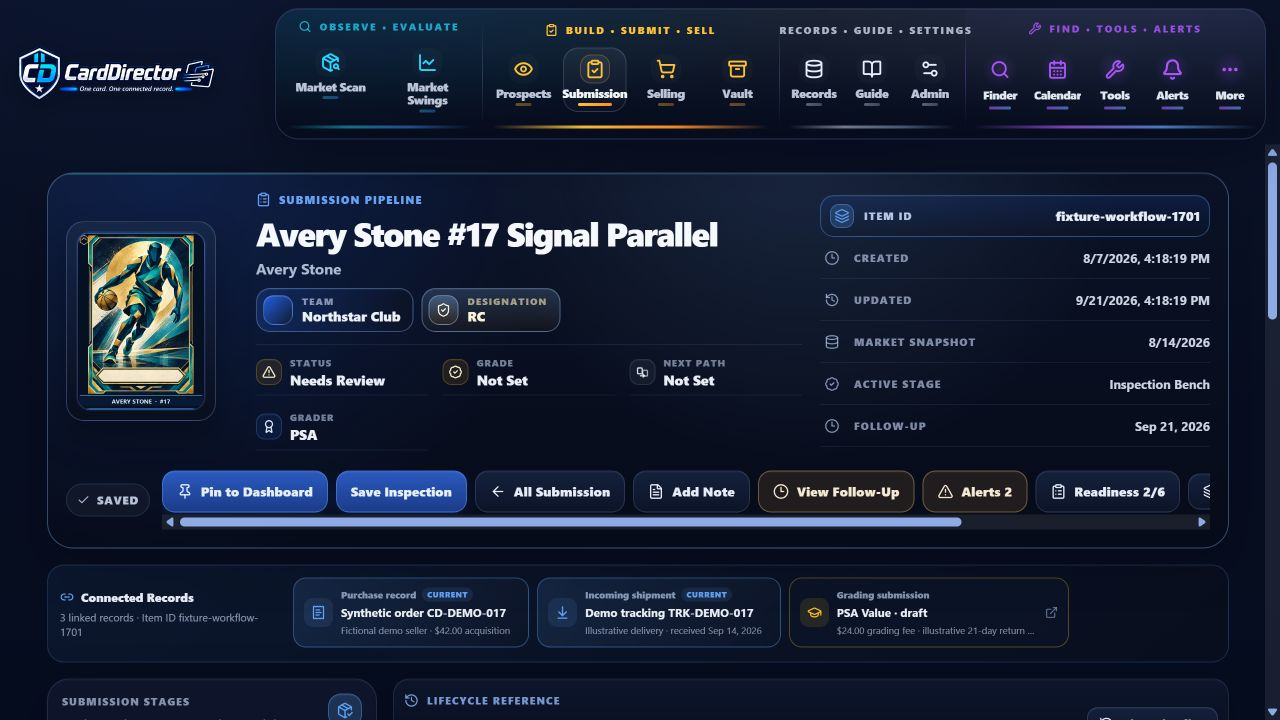
The purchase price. The inspection notes. The grading result. The decision to sell—or keep. Bring the details back to the card they belong to.
Record acquisition and grading costs in context. Return to the figures you entered when you’re considering the next move.
Follow a card from inspection through submission and grade return. Keep notes and follow-ups close to the work.
Move a card into your collection or back toward selling. Keep its record as your plans change.
One Card. A Connected Workflow.
You make the decisions. CardDirector keeps the record and the next step in view.
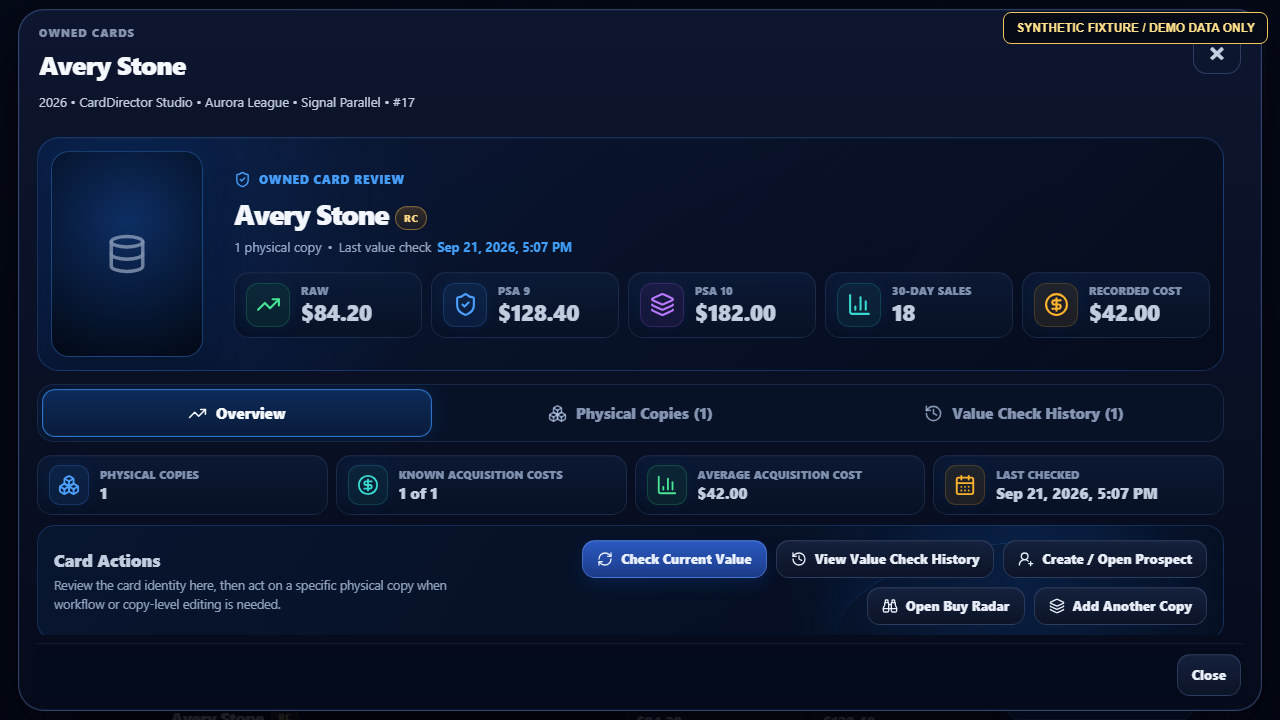
Bring the card, your research and the possible grading scenarios into one working record.
Document the condition and your observations before choosing a grading path.
Keep the stage, notes, entered costs and returned grade with the same card.
Take the card into your selling workflow or retain it in the Vault—without losing its history.
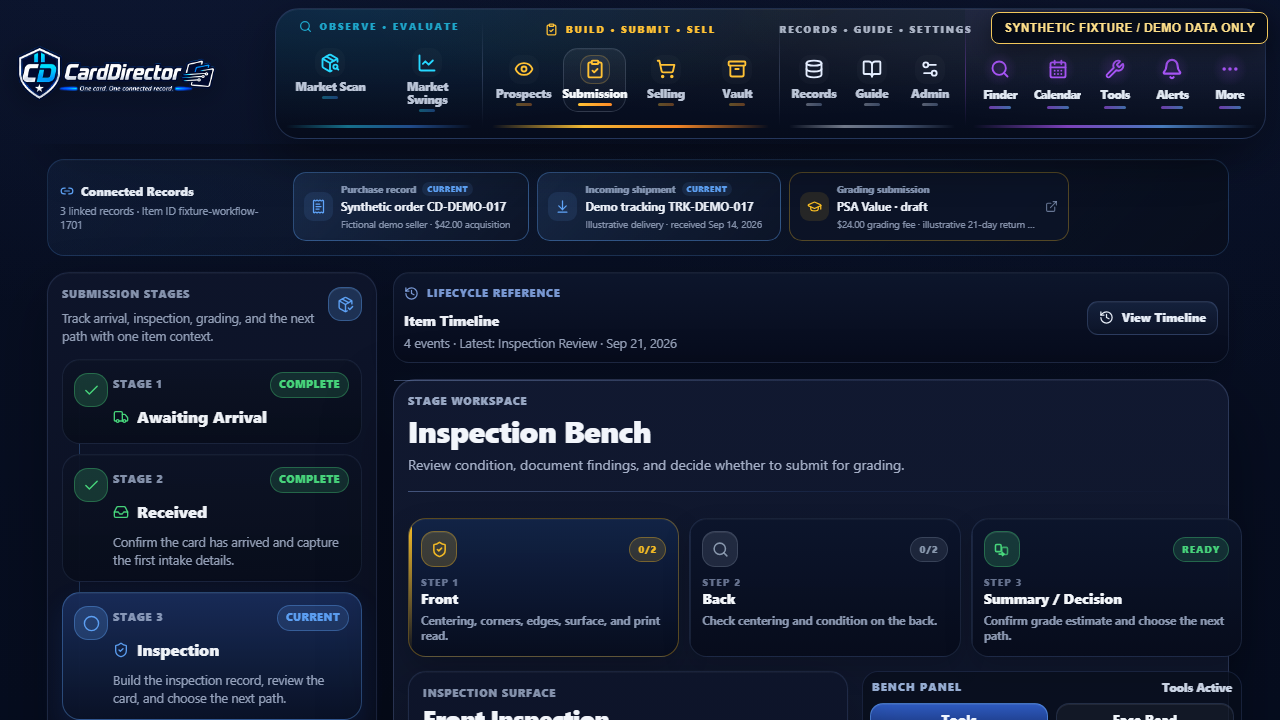
Put the reasoning beside the record.
Condition checks and your notes help you keep track of why you chose the next step. A scenario is an estimate, never a promised grade.
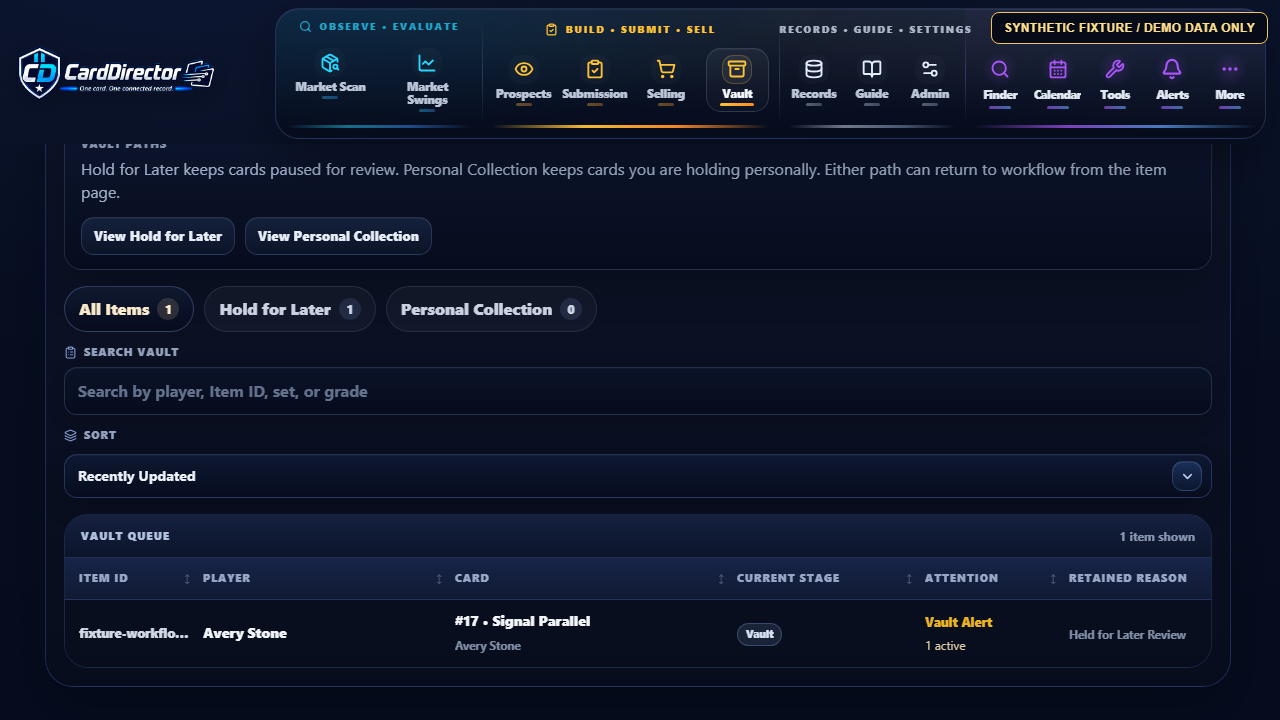
Your workflow can change direction.
A card is more than its current stage. Keep the identity and history together whether you’re preparing a sale or keeping it.
Context for Your Next Decision.
Compare grading scenarios, keep research in context and work through the figures before deciding what to do with a card.
Screens use fictional demonstration data. Estimates do not guarantee grades, prices, demand, sales or profit.
See the research and evaluation tools →Live eBay listing research is not connected in the current build. Market-data and other service availability depend on the released integration and provider requirements. See what is planned.
Know the Offer Before You Decide.
No free trial. Paid sales are not open yet. You’ll see applicable taxes, renewal, cancellation and refund terms before any purchase.
The planned launch offer protects your first payment with a fourteen-day money-back guarantee; no reason is required. Read the planned billing and refund details.
Read the billing and cancellation details →Sports-card collectors who want their research, grading, selling and retained-card records together. Start with the workflow you use, then explore the tools that fit.
Public software access and paid sales have not opened. These previews show the actual application with fictional data. Join the free waitlist to hear when the public Windows release is available.
You can start card records with manual entry. A planned eBay connection is separate and optional; live eBay listing research is not connected in the current build. CardDirector account and activation requirements still apply. See Download & Activation and Connected Services.
In the current private Windows build, Read Only keeps stored records readable while editing and connected actions are restricted. See the FAQ for access and setup details.
Yes. Ask CardDirector Support about the product or your intended workflow. Don’t send passwords, card payment details or private activation links.
Explore the workflow. See the tools. Join the waitlist if CardDirector fits the way you collect.